




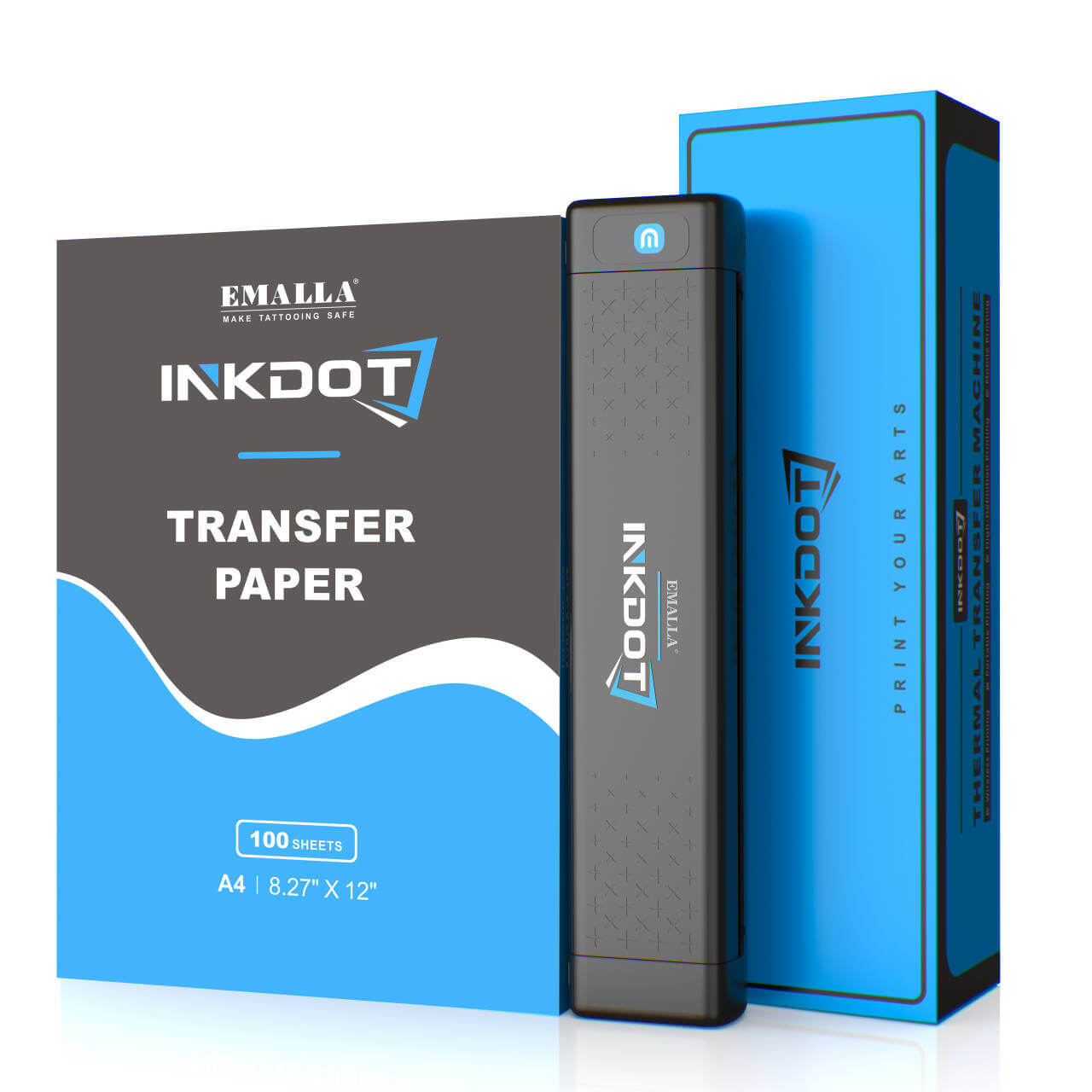
EMALLA INKDOT Wireless Thermal Tattoo Printer


Scegli le opzioni
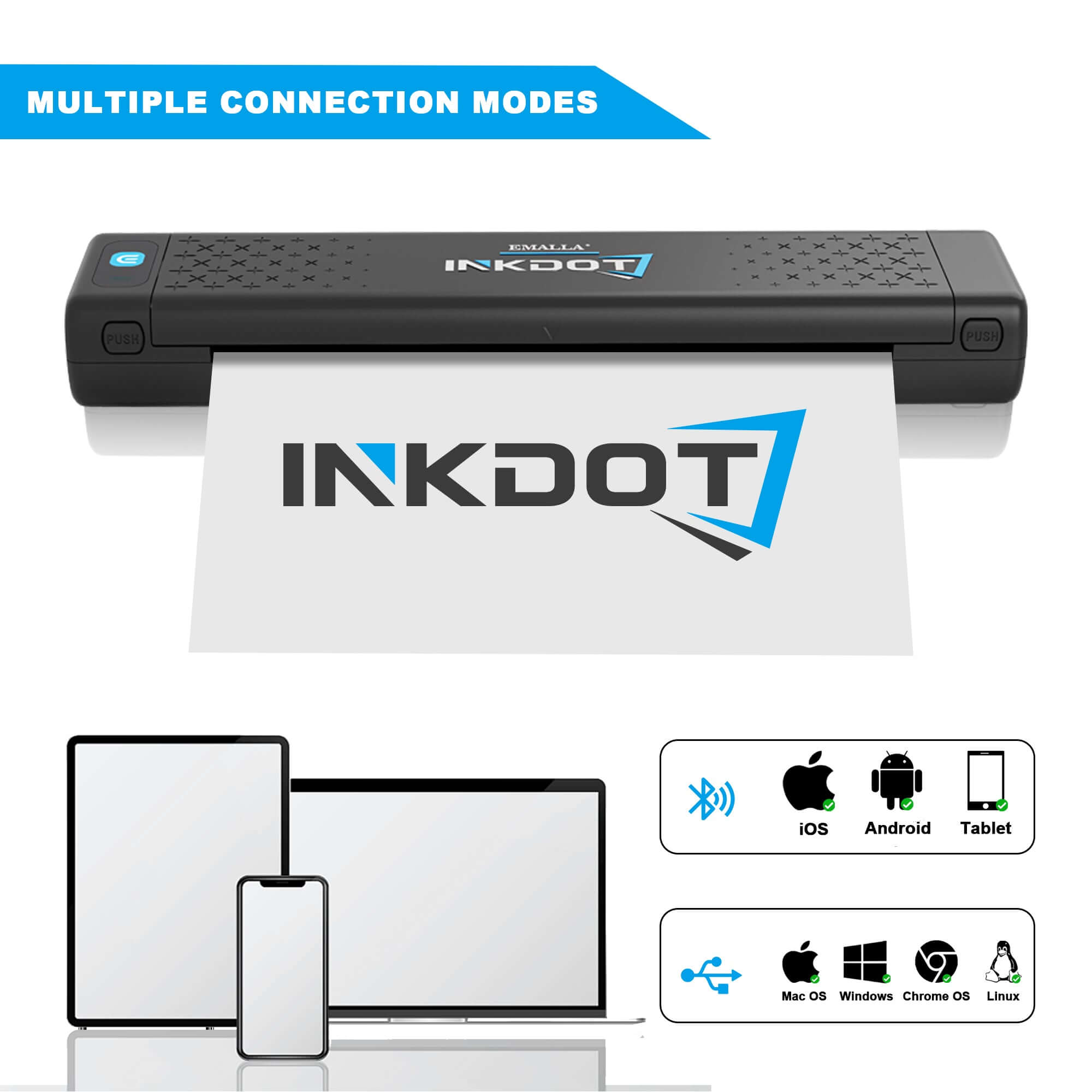
EMALLA INKDOT Thermal Printer can connects easily to iOS and Android mobile phones by bluetooth, one-click transfer, one-click print. This Lightweight printer is ideal for traveling and tattoo conventions.
- Light and portable: The machine weighs just 715 grams and has a bag. It is lightweight and portable and good for travel or conventions.
- Convenient connection: Bluetooth or Type-C connectivity for mobile phones, computers and iPads.
- Intelligent Operation: The ePrinter online App that helps you edit and design tattoo solutions, bringing your tattoo more possibilities.
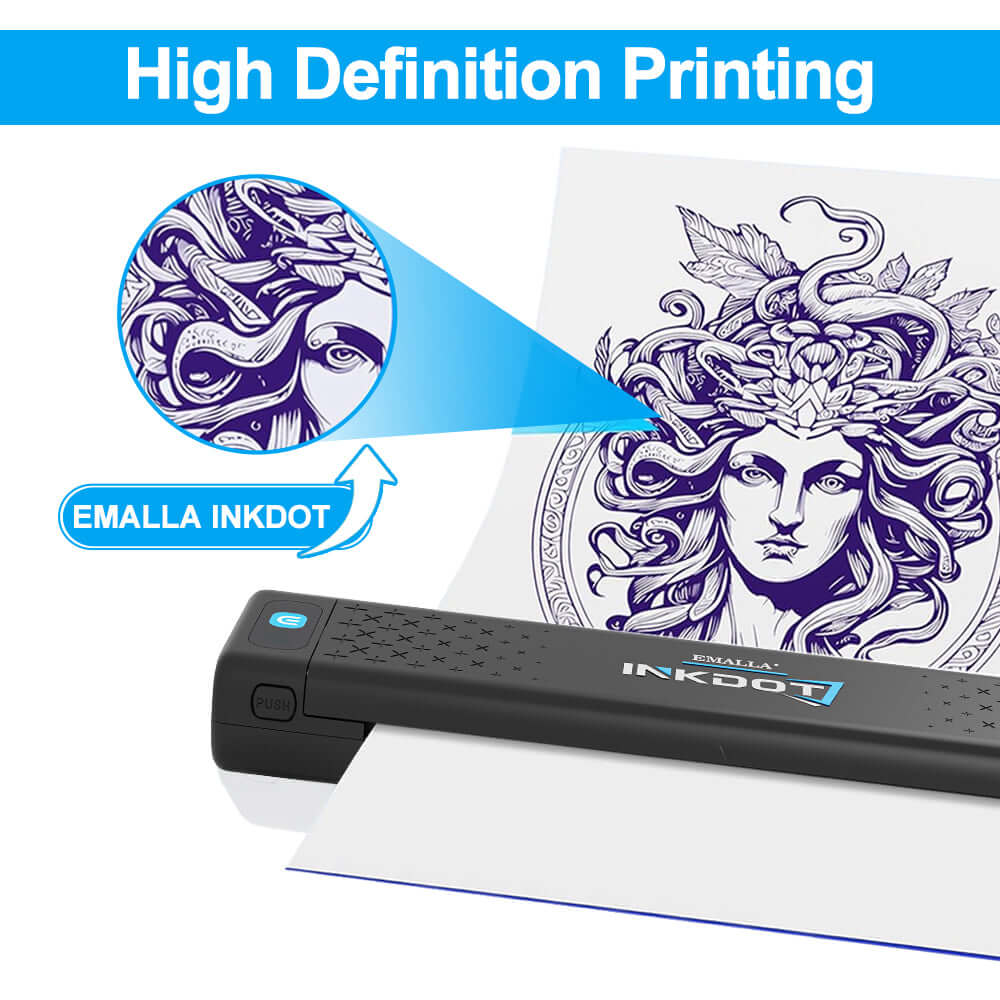
- High-resolution printing: printer by 203DPI, clearer details, and more distinct outlines.
- Customizable Print Density: Thick, Moderate, Light for tailored results.
Specifications
Package Includes
1. Shipping
We offer free worldwide shipping on orders over $199.
For orders under $199, a $16.99 flat shipping fee applies.
Delivery time includes:
Processing time: 1–2 business days
Shipping time:
▪ Europe: 7–9 business days after dispatch
▪ Other Regions: 4–6 business days after dispatch
(May vary depending on customs clearance)
→ More about shipping
2. Warranty
All EMALLA tattoo machines come with a 1-year warranty, so you can purchase with confidence.
→ Warranty details
3. Exchange & Return
If you're not satisfied with your purchase,
contact us within 30 days and we’ll help with an exchange or refund.
→ Exchanges & Returns
FAQ
This issue may occur if the printer battery is low or if the anti-wrinkle mode in the app is enabled. To ensure the best print quality, please make sure the tattoo stencil printer has sufficient battery power before use. We also recommend turning off the anti-wrinkle mode and increasing the print density settings in the app, then try printing again.
1.Turn on the printer without loading paper
The indicator light should stay solid red.
2.Press and hold the power button for about 10 seconds
The printer will power off during this process—do not release the button. Keep holding until the green light flashes twice.
3.Reload the paper and start printing
After calibration is complete, insert the transfer paper and try printing again.
With a fully charged battery, the printer can deliver up to 100–120 stencil prints at approximately 10% print coverage. Designed for professional tattoo workflows, it provides dependable all-day performance without constant recharging.
Yes, our printer is compatible with most transfer papers available on the market. But for the best transfer quality and durability, we recommend using our INKDOT Transfer Paper.
Yes. Our high-resolution thermal printing technology delivers crisp lines and sharp details, even for small or highly detailed tattoo designs.
Yes. When used with quality stencil transfer paper and transfer gel, the stencil remains clear and durable throughout long tattoo sessions.
Your purchase is protected with a 1-year warranty covering functional defects and manufacturing issues. If you ever need help, our responsive support team is here to ensure you get back to creating without hassle.