
When starting or upgrading your tattoo setup, it's not just about picking a machine with great specs — it's about choosing the one that matches how you actually work.
CONTENT
-
Understanding Artist Pain Points
-
G3 vs G4: EMALLA Wireless Tattoo Pen Comparison 2025
-
Which Machine Fits Your Workflow?
-
All-in-One Beginner Kits
-
Final Verdict:G3 or G4 – Which Wireless Pen Is Best for You?
-
Where to Buy EMALLA Tattoo Machines and Kits
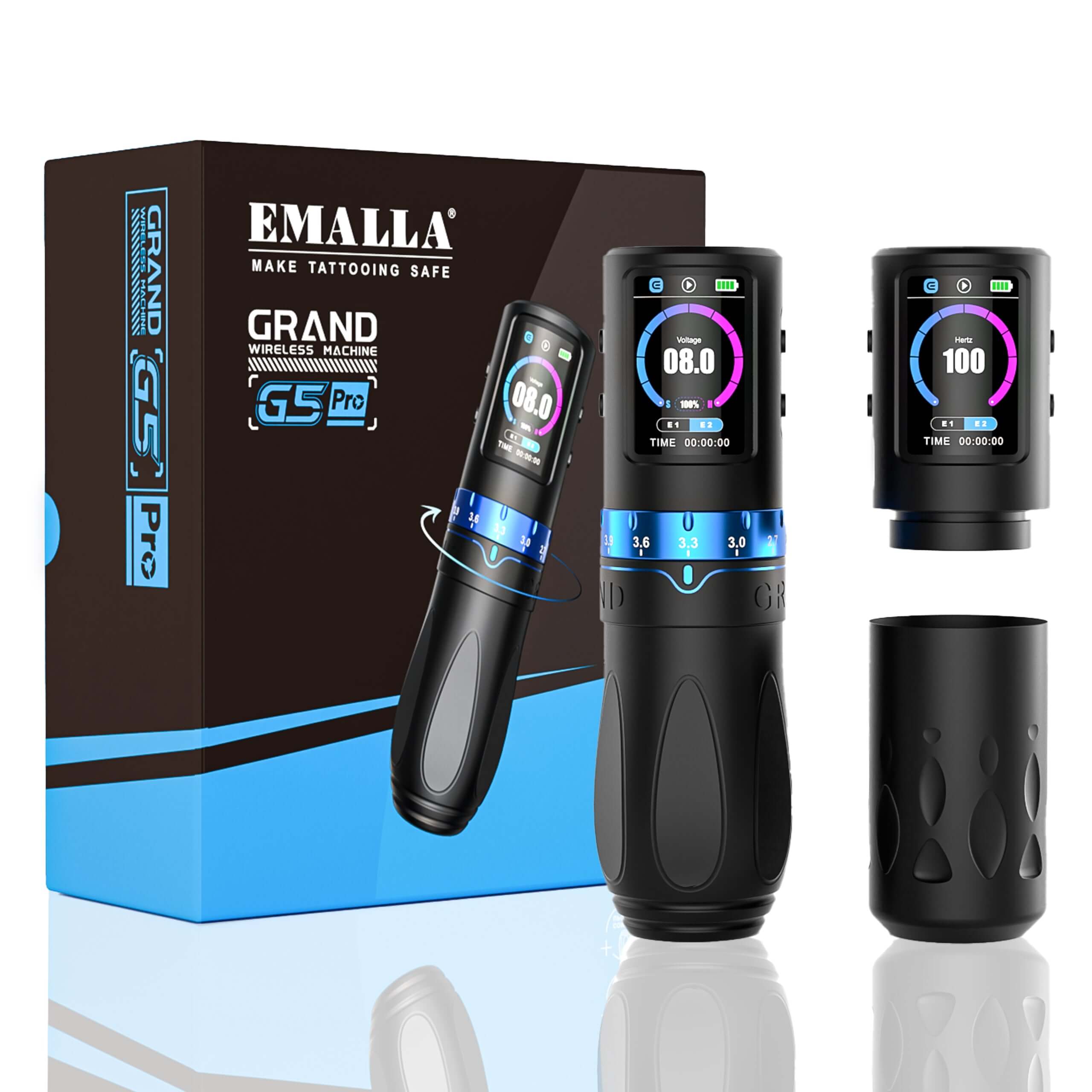
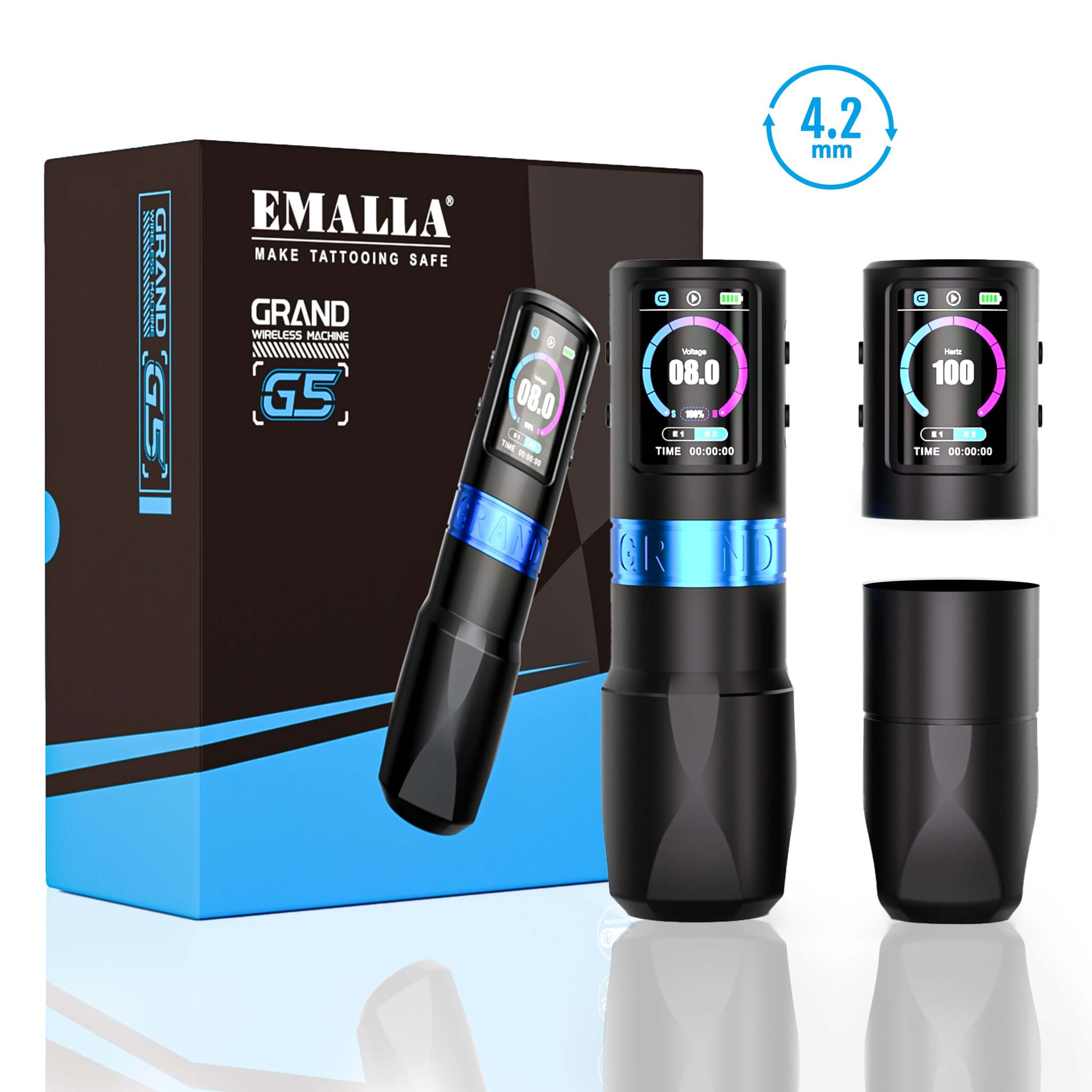
EMALLA’s Grand G3 and Grand G4 wireless pens are both top-tier machines. But which one fits your style, comfort level, and growth path best? Let’s walk through it, based on real artist pain points and scenarios.
🎯 Common Artist Pain Points — and How G3/G4 Solve Them
Many artists face these problems:
-
“I’m tired of switching machines just to do shading or lining.”
→ The Grand G3 gives you 7 adjustable stroke lengths (2.4–4.2 mm), meaning you can handle lining, shading, and color packing all in one pen — no need to change setups mid-session.
→ The Grand G4 uses interchangeable cams (3.5/4.2/5.0 mm) for more consistent power and feel per style, great for precision or high-speed sessions. -
“My hand cramps during long sessions.”
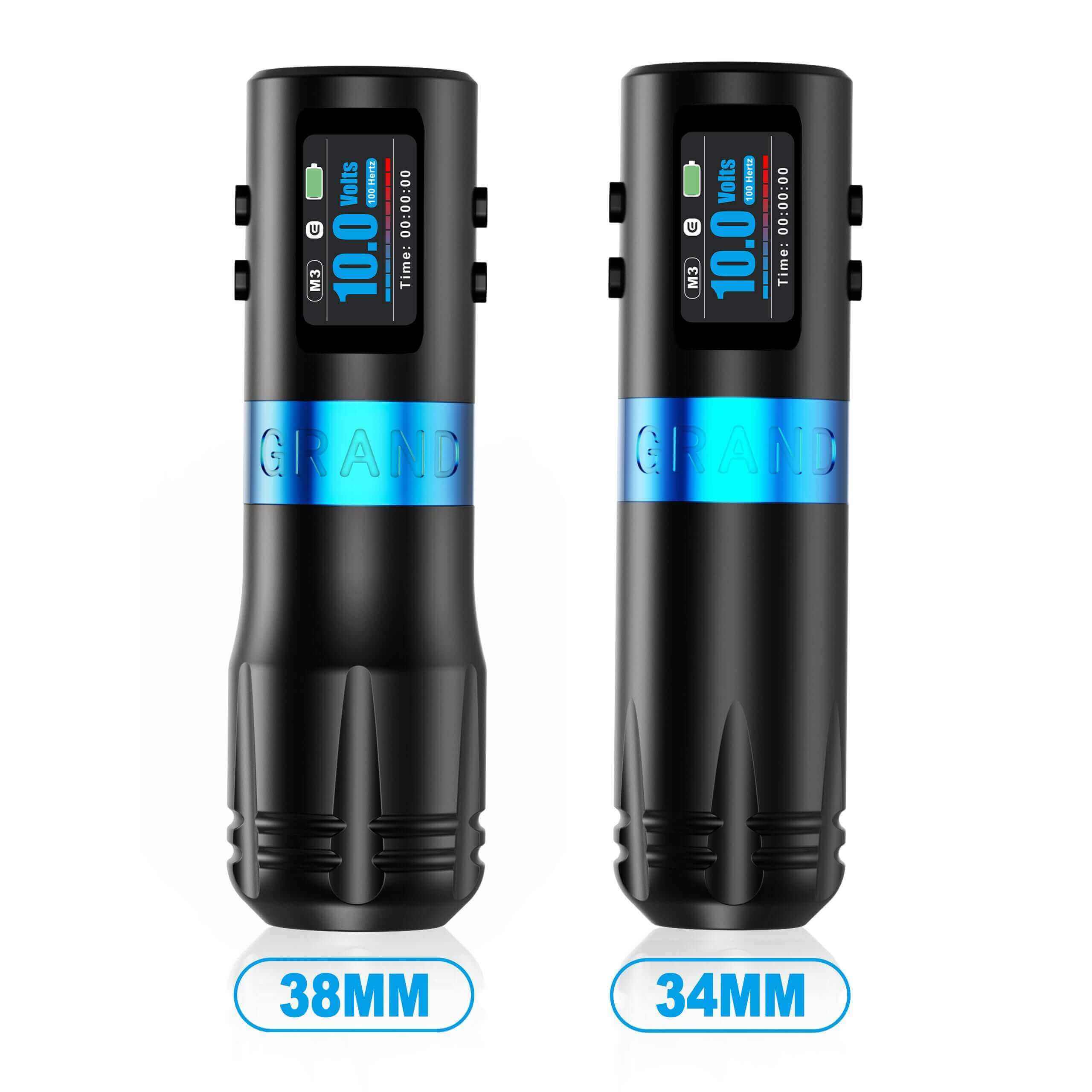
→ The G3’s 38mm grip is molded for comfort and steady grip.
→ The G4 includes two grips (34mm and 38mm), letting you choose what fits your hand best. -
“My machine hits too hard for soft skin or too soft for tough skin.”
→ G3 uses physical stroke control, good for manually adjusting tension.
→ G4 includes E-Soft mode, letting you digitally adjust the softness (from 10% to 100%), ideal for sensitive areas like collarbones, ribs, or inner arms. -
“I hate running out of battery mid-tattoo.”
→ G3 runs 5–7 hours on a single battery.
→ G4 includes two swappable batteries (6–8 hours each), so you're never caught off guard. -
“I’m overwhelmed by too many voltage settings.”
→ G3 has a manual dial that makes it easy to “feel” what works.
→ G4 offers three digital modes:-
M1 for lining
-
M2 for soft shading
-
E-Soft for ultra-smooth blending
Perfect for artists who want fast switching without thinking too much.
-
🔍 Real-World Use Case Comparison

🎁 All-in-One Beginner Kits — Everything You Need to Start
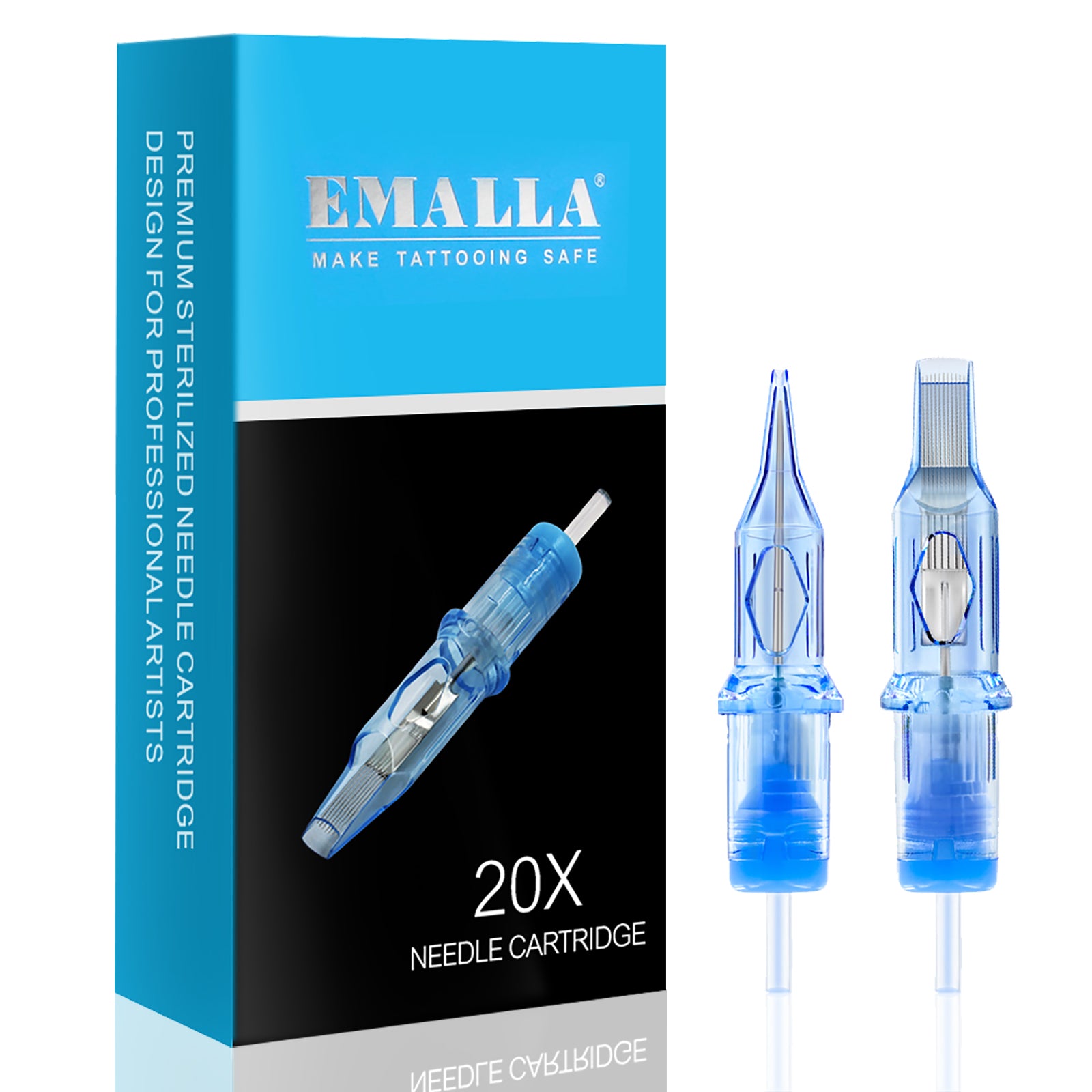
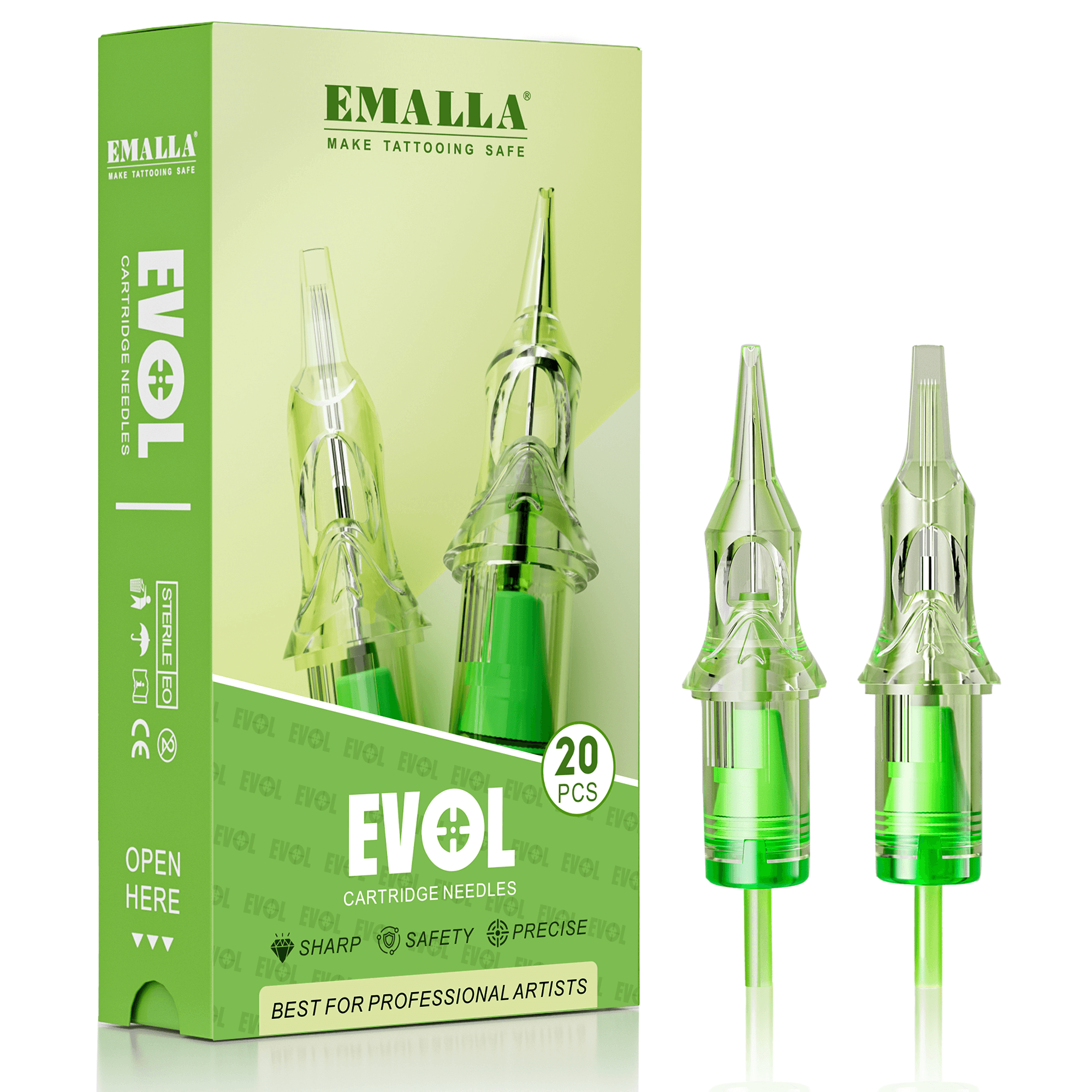
For beginners, picking each item individually can be stressful — batteries, grips, cartridges, power settings… That’s why EMALLA offers complete kits with everything you need to tattoo out of the box.

💡 Both kits are designed as one-stop shopping solutions — no guessing, no mixing brands, just open the box and start tattooing.
✅ Final Thoughts: G3 or G4?
-
Choose G3 if you want an affordable, flexible machine to build your skills on.
-
Choose G4 if you're ready for more control, softer hits, and smarter sessions.
-
New? Get the G3 Starter Kit for a complete, worry-free start.
-
Want to invest in long-term comfort and pro features? Go with the G4 Pro Pack.
🛒 Explore more at EMALLA Official Store — from wireless pens to premium cartridges, aftercare products, and more.